

Passing colour on press
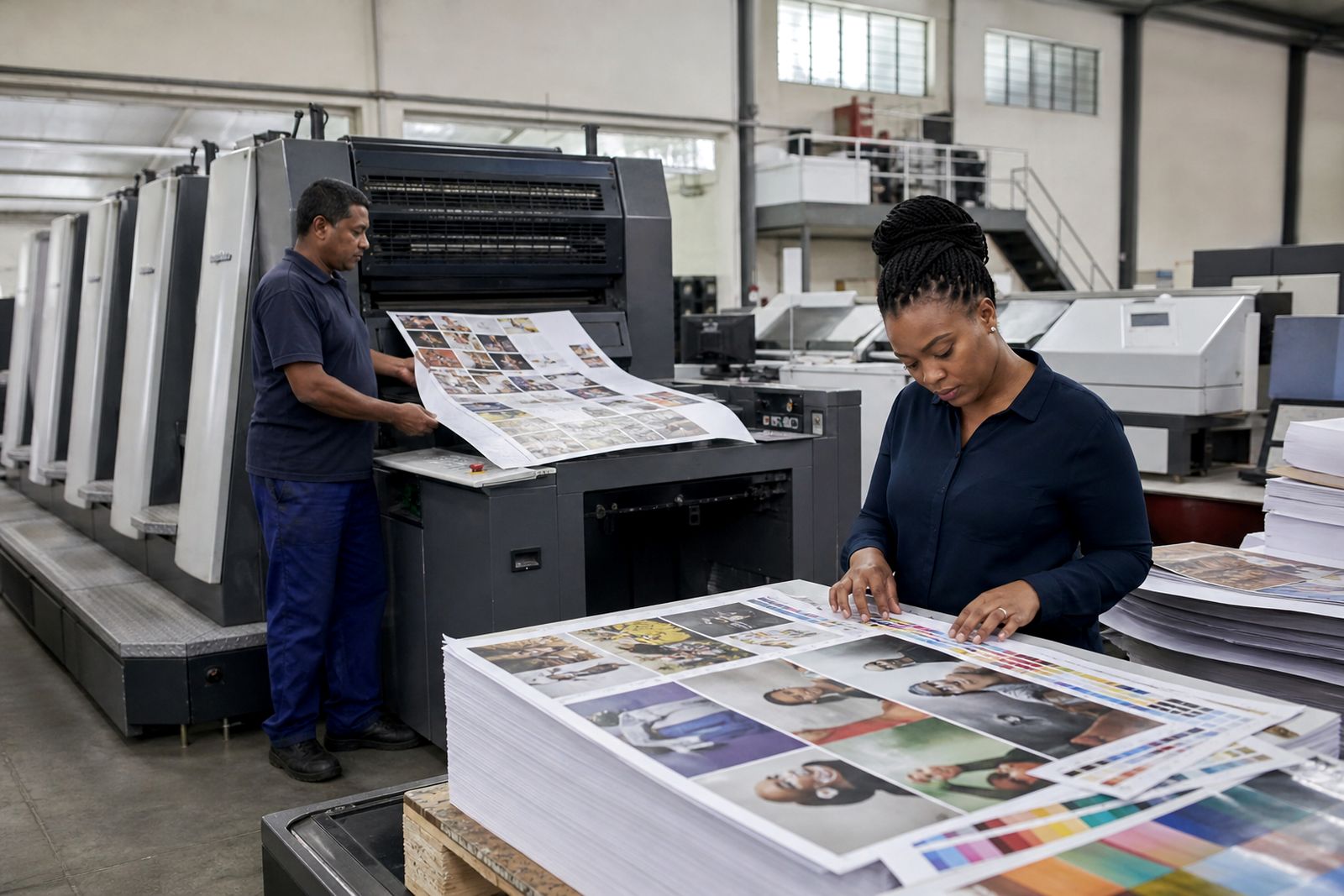
Some jobs need more than a PDF proof. If colour is critical, a press check gives you the chance to approve the live sheet before the full run continues.
When a press check is worth doing
A press check is most useful when colour accuracy matters more than speed. For many everyday flyers, leaflets and internal documents, a properly prepared file and approved proof are enough. For magazines, brochures, annual reports and brand-sensitive corporate print, attending the start of the litho run can save a costly reprint and avoid arguments later about whether the printed result matched the brief.
You do not need to attend every job. The best use of a press check is when there are difficult images, important skin tones, large solid areas, fine reverses out of colour, or a known house colour that must sit within an agreed tolerance. It also helps when several decision-makers need to settle final colour there and then, instead of circling comments after the sheets are already drying.
- Annual reports with executive portraits and charts that must stay clean and readable
- Brochures with product photography where material colours are important
- Magazines with fashion, food or property images that can shift easily
- Corporate print carrying strict brand colours across covers and text pages
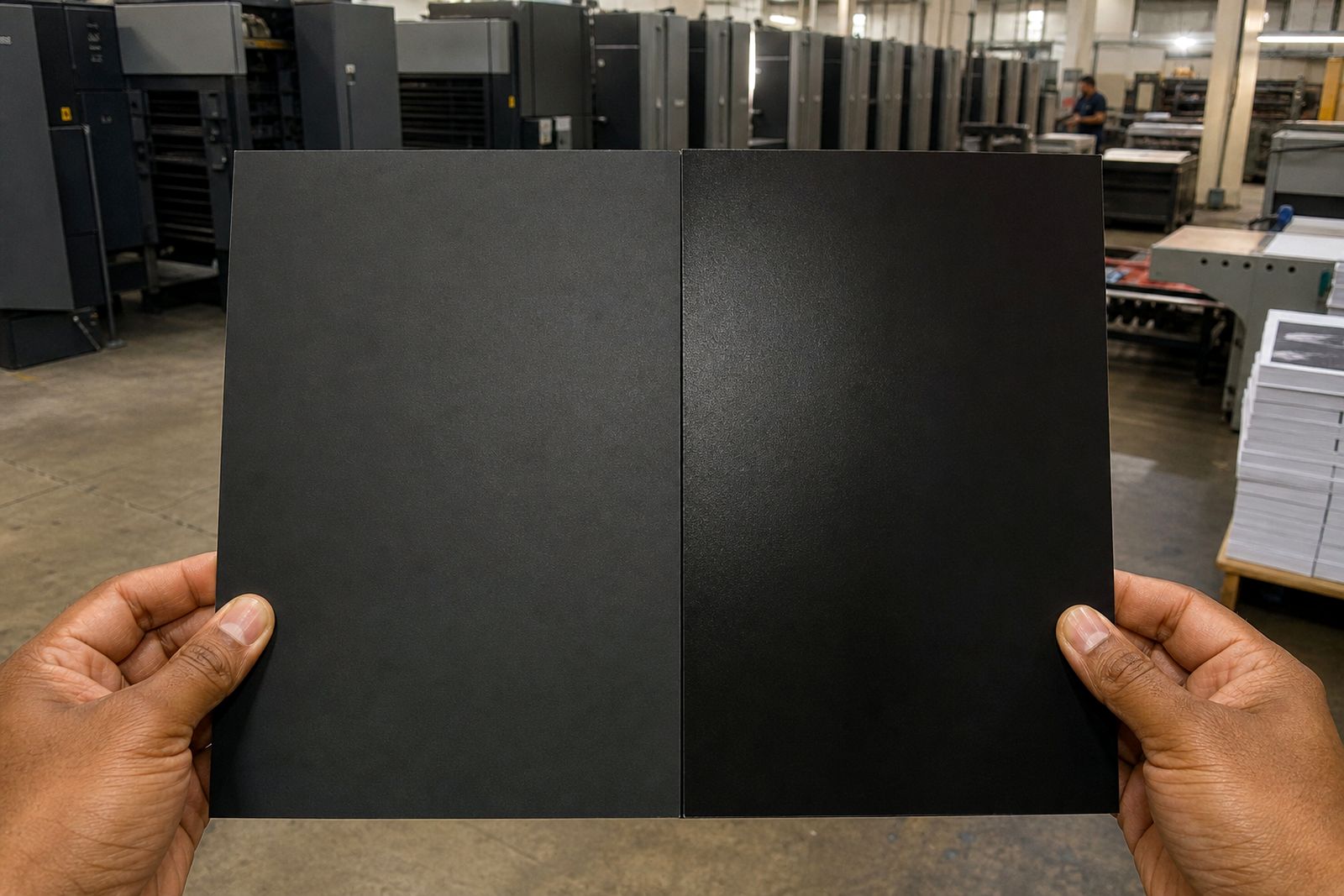
- Jobs with large dark backgrounds, tints or varnish effects where density matters
What to prepare before you arrive
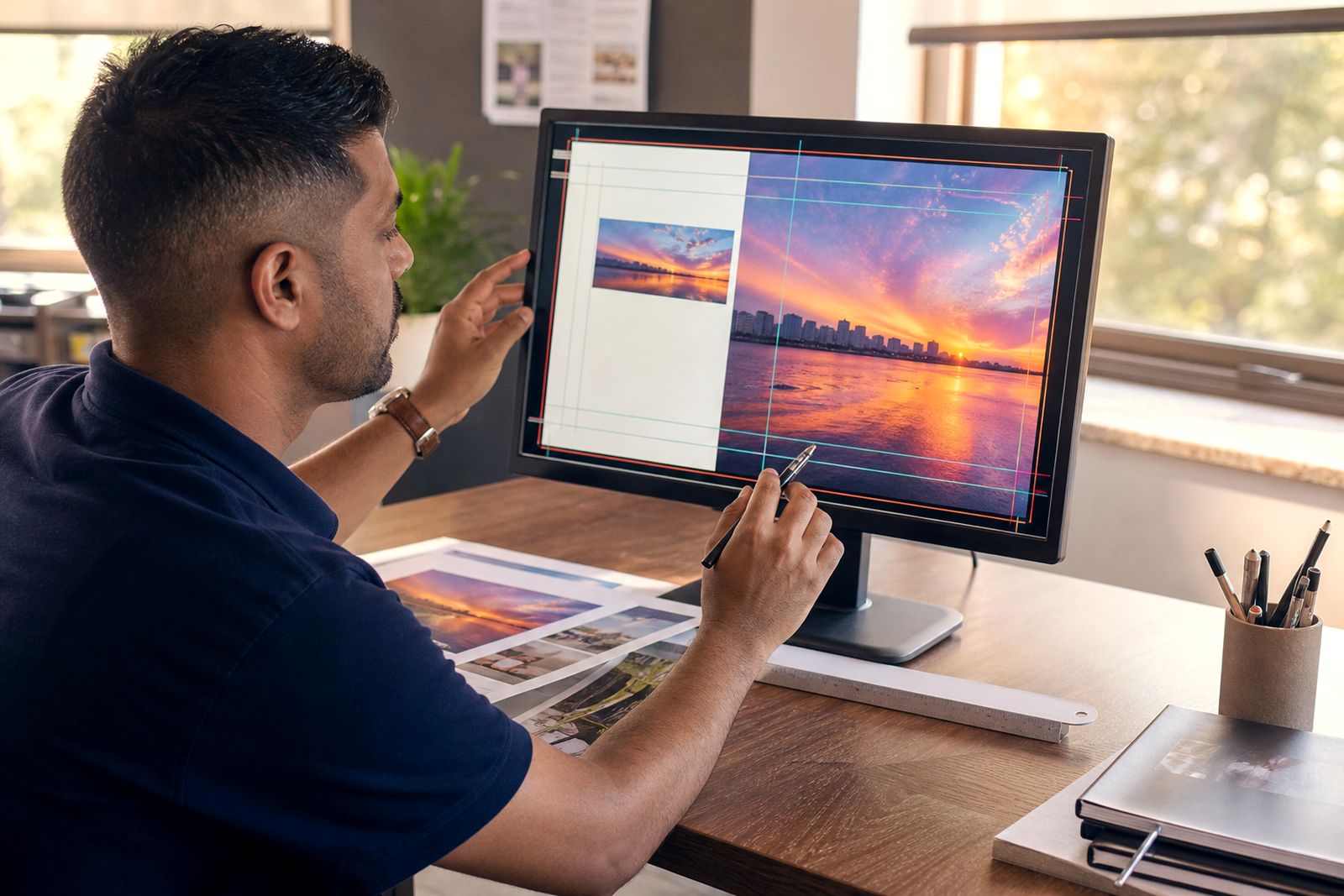
A good press check starts long before the first sheet comes off the press. Bring the correct approved proof, not an old office printout or a marked-up draft from a different version. If the file was updated after proof approval, everyone must be working from the same final artwork. If your job includes special finishing on the cover, make sure you understand what is judged at press stage and what will only be seen after coating, folding or binding.
Arrive with one person authorised to approve colour. Too many voices at the machine slows decisions and can create mixed instructions. If more than one stakeholder must comment, settle priorities before the visit. Decide what matters most: skin tone, a logo colour, overall warmth, shadow detail, or paper appearance. You cannot push every image in a different direction on one shared form, so set the order of importance clearly.
- Bring the approved proof and any written colour notes
- Confirm the paper stock, finish and page imposition you expect
- Check that final artwork version numbers match the job ticket
- List the pages or images that are most critical
- Nominate one approver who can sign off on site
- Wear neutral clothing if possible, bright colours can affect visual judgement a bit
What happens during the press check
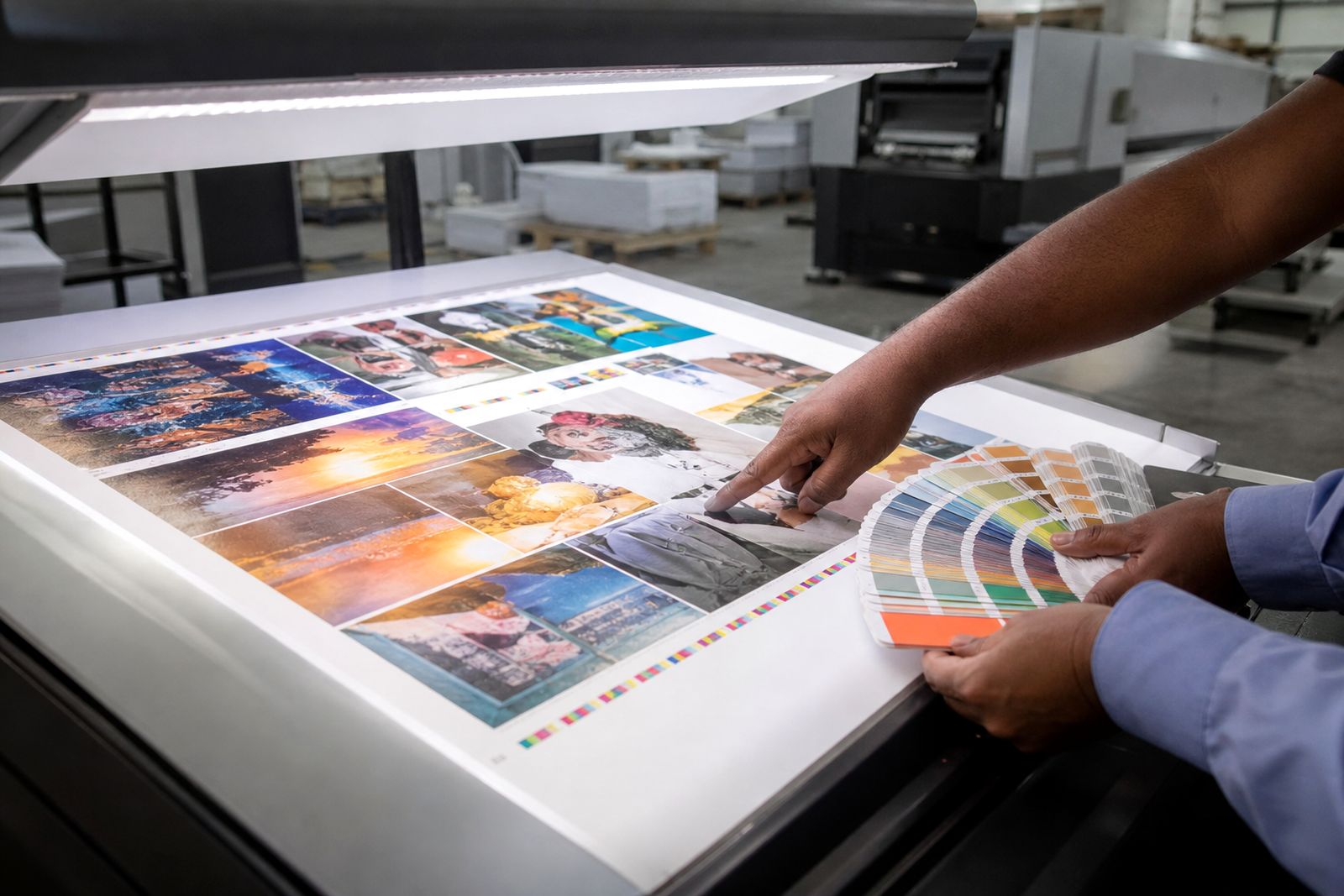
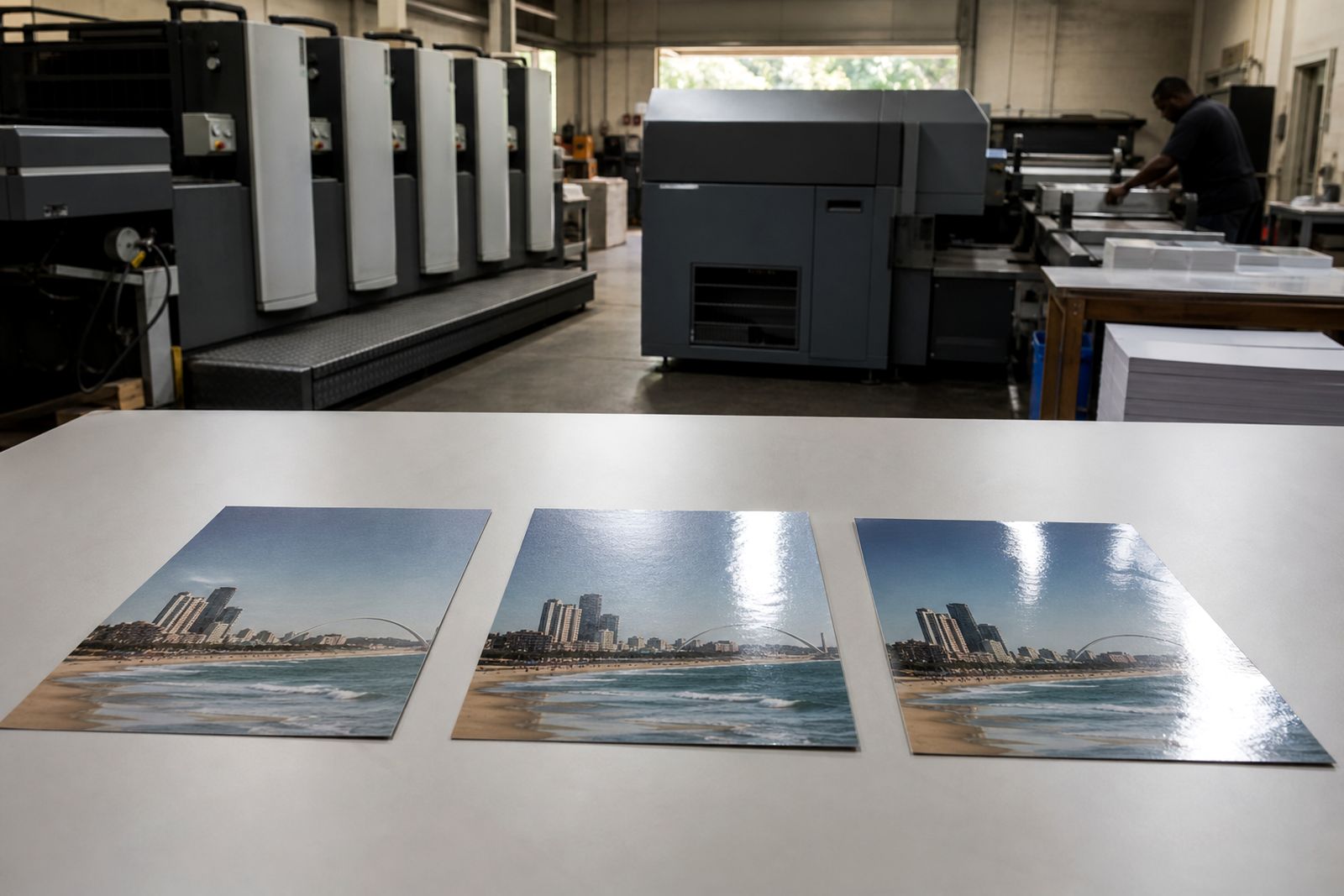
At the start of the run, the operator brings the press into colour and balance using the approved file, plate set, paper and ink sequence for that job. Early sheets are part of setup and are not the standard to judge by. Once the press is stable, the operator and print team will pull sheets for review under suitable viewing conditions. This is the point where you compare the live sheet to the approved proof and discuss any small adjustments that are realistically possible.
Colour passing is not guesswork. It is a controlled approval of the printed sheet as it is actually running on that stock. Expect discussion around density, contrast, neutrals, flesh tones, image detail and overall balance. Some changes can be made quickly, but others affect the whole form and may improve one page while pushing another too far. A practical approach works best. If page 5 is the hero image and page 13 is less sensitive, say so plainly.
Once the sheet is approved, the run continues to that target. Minor movement can still happen during a run because paper and press conditions change slightly, especially in Durban humidity, but the approved sheet remains the reference for the job.
How to judge colour properly on the sheet
Look first at the job as a whole, then at the critical images. Many buyers make the mistake of staring only at one logo or one photo and missing a bigger issue such as over-inked shadows, dirty neutrals or weak contrast. Compare like with like: the printed sheet on the specified stock against the approved proof under proper light. A screen on a laptop or phone is not a colour reference at press side.
Pay attention to the stock as well. Uncoated paper will look softer and less glossy than coated paper, and a matt finish can reduce apparent punch compared with a gloss surface. That is normal, it is not a fault. If there is a dark cover with reverse text, check readability and filling-in. If there are corporate blues, greys or skin tones, check them early and again after any adjustment.
- Neutrals should look neutral, not pink, green or muddy
- Skin tones should look natural, not orange or washed out
- Shadow detail should hold without blocking up
- Highlights should stay open without looking weak
- Brand colours should sit close to the agreed target for that print method
- Fine type and reverses should remain sharp and readable
- Large solids should look even without obvious streaking or patchiness
Common misunderstandings to avoid
A press check is not the moment to redesign pages, replace images or rethink the brief. If the wrong file was supplied or a low-resolution image has already gone to plate, a press visit cannot fix that. It can only help pass colour and print balance on the version provided. That is why proofing and preflight matter so much beforehand.
Another common problem is expecting one sheet to match every display and every office printer. Commercial print is judged against the approved proof and the chosen stock, not against backlit screens. It is also important to understand that one adjustment affects all items carrying that ink on the form. Asking for a stronger cyan to improve one sky image may push other pages too cold. The operator will usually point this out, but the buyer should be ready to trade off sensibly.
Finally, do not rush sign-off because the machine is running. Ask to see another sheet after a meaningful change. A few extra minutes at approval stage can prevent a much bigger delay later.
A simple sign-off checklist
Before you pass the sheet, make sure you are approving the right thing and recording it clearly. The signed sheet becomes the production reference, so it should reflect the agreed target. If there are specific page notes, mention them on the job record so everyone understands what was prioritised.
- Confirm job title, pagination and version are correct
- Check the paper stock matches the order
- Review the key pages first, then scan the rest of the form
- Approve overall balance, not just one image
- Note any agreed tolerance or priority pages
- Sign only when you are satisfied the live sheet matches the agreed standard
- Keep expectations practical for the chosen process and stock
If you are unsure whether a press check is necessary for your next run, ask through the website enquiry form before booking the job. We can advise whether a standard proof is enough or whether on-press colour approval makes better sense for the work.
What our Commercial Printing customers say
Verified Google reviews
Questions we get asked
Do I need a press check for every printed job?
No. Many short-run or routine jobs can proceed from an approved proof. Press checks are usually best for colour-critical litho work such as magazines, brochures, annual reports and important corporate print.
Can colour be matched exactly to my screen?
Not reliably. Screens are backlit and vary from device to device. Print should be judged against the approved proof and the specified paper stock under proper viewing light.
What if several people want to approve the colour?
Choose one final approver before the press check. Too many decision-makers can slow the process and create conflicting instructions. It helps to agree your priorities in advance.
Also worth a look
Ask for a quote
Send a note through the contact form with your print job, quantity, size, finish and delivery area, and the team will reply with a quote.
Open the contact form